Make AR lenses that go viral.
Create AR lenses with local AI. Edit them visually. Export to Lens Studio.
macOS (Apple Silicon) · Windows 11
Features
Everything between an idea and a lens.
Viral Studio handles the planning, the assets and the setup, so you spend your time on the creative part.
Describe it, get a lens
Type what you want in Arabic or English. The planner turns it into an editable lens plan with objects, anchors, animations and triggers.
- Prompt
- Arabic
- English
AI that stays on your computer
Models run locally. Your prompts and images are never uploaded, and the app keeps working offline once models are installed.
- Private
- Offline
Live face-tracking preview
See the lens on your face as you edit. Drag, scale and animate objects anchored to the eyes, nose, mouth or head.
- Webcam
- Real time
Concept Lab
Get three original concepts for every idea, each with a Creative Potential Score and suggestions you can accept or reject.
- Ideas
- Score
Triggers without code
Make things happen when people smile, open their mouth or blink. Tune the sensitivity until the lens feels right.
- Smile
- Blink
- Mouth open
Export to Lens Studio
Get an editable Lens Studio project — not a flat video — with your assets in place and a step-by-step setup sheet.
- Editable
- One click
Inside the app
A guided tour of Viral Studio.
Real screens from the app. Pick a section to see what it does and how to use it.
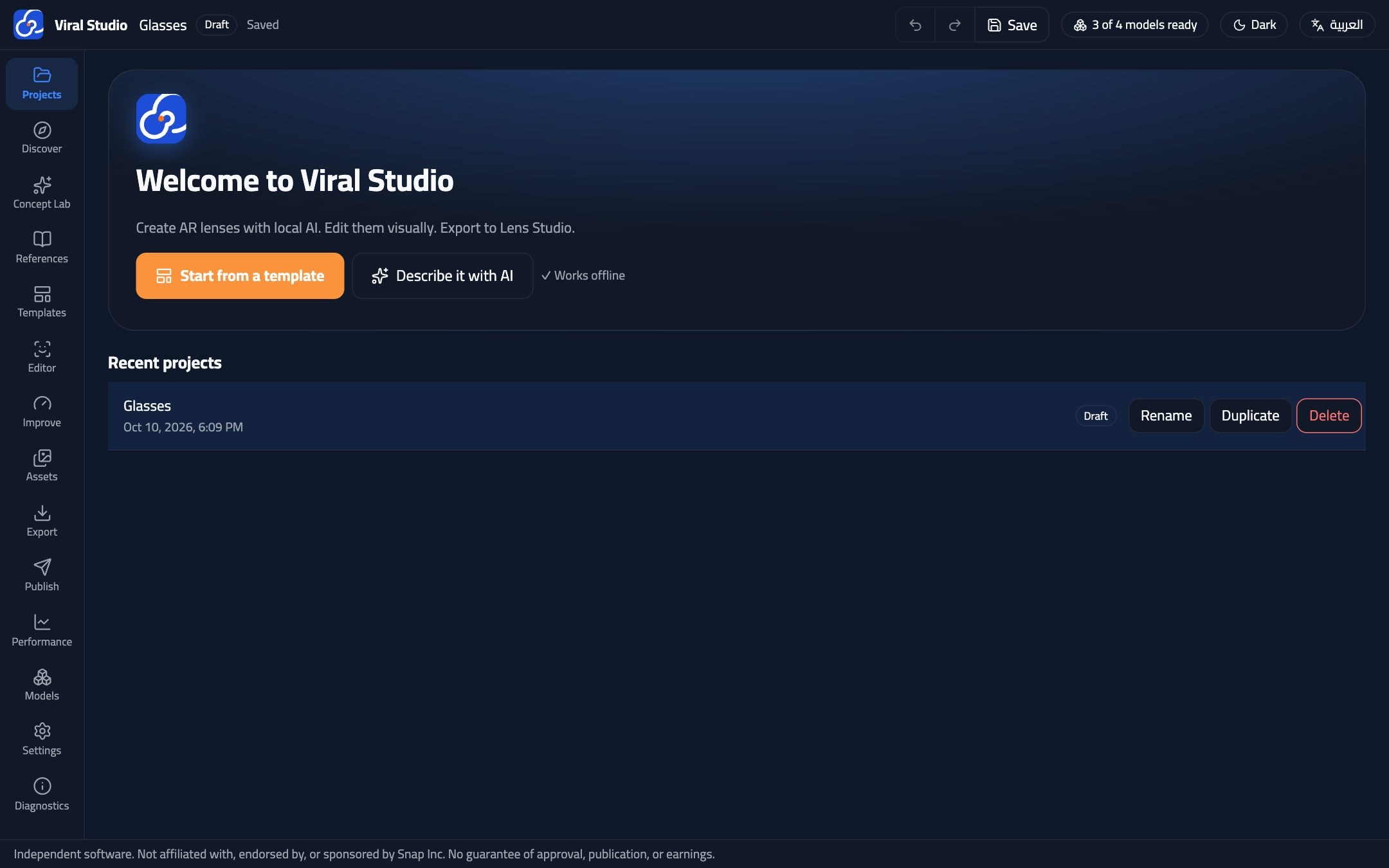
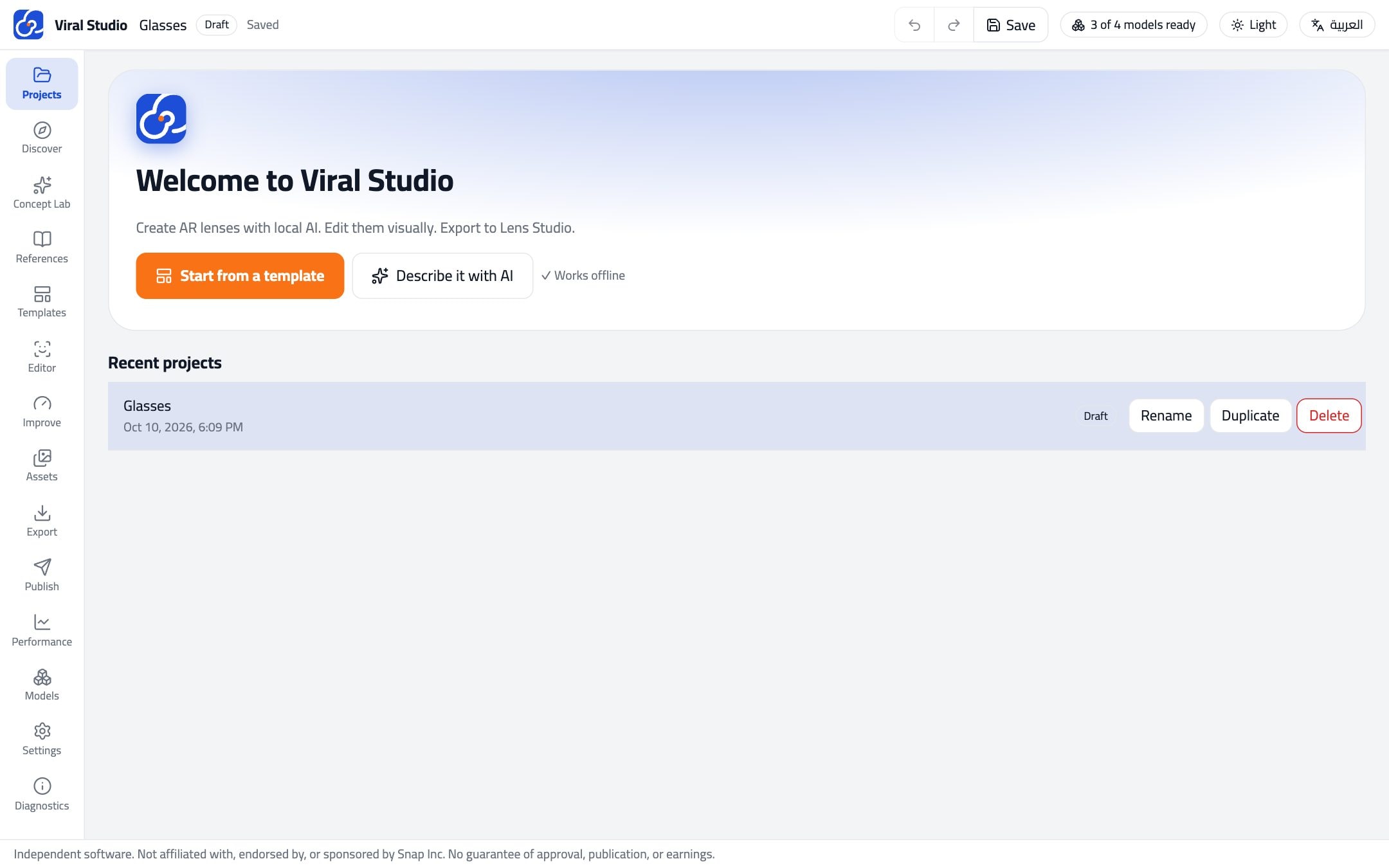
Your home screen. Every lens you make is saved here as an editable project.
- Press “Start from a template” for the quickest start
- Or “Describe it with AI” to begin from your own idea
- Rename, duplicate or reopen any project later
Face tracking
Anchored to the face, not stuck on the screen.
Every object follows a facial anchor. Move your head and the glasses, ears and particles move with you.
- Face landmark tracking runs locally in the preview
- Smoothing and calibration keep triggers steady
- What you preview is what gets exported
- Eyes
- Nose
- Mouth
- Head
Move your cursor to turn the head
How it works
From idea to Snapchat in four steps.
- 01
Start
Pick one of the starter templates, or describe your lens in your own words.
- 02
Edit
Adjust objects, animations and triggers in the visual editor with live face tracking.
- 03
Export
Export an editable Lens Studio project and open it in Lens Studio in one click.
- 04
Publish
Test on your phone and submit through Snapchat's official process.
Tutorials
Watch how it's done.
A full walkthrough of Viral Studio, from the first template to a lens ready to submit.
Templates
Start from something that already works.
Every template is a complete lens you can remix: swap the art, change the anchors, rewire the triggers.
Cyber Glasses
Glasses on the eyes with an animated reflection.
- #Eyes
- #Animation
Fox Ears
Ears and a nose that wiggle when you smile.
- #Head
- #Smile
Heart Face Paint
Hearts and a star painted onto the face.
- #Face_mesh
Smile Butterflies
Butterflies orbit your head when you smile.
- #Particles
- #Smile
Bouncy Top Hat
A tall hat with a soft bounce.
- #Head
- #Animation
Emoji Reactions
Open your mouth to laugh, blink for hearts.
- #Mouth
- #Blink
Countdown Boom
A countdown that ends with a boom.
- #Timeline
- #Effects
Download
Your next lens starts here.
Install Viral Studio, choose a model pack (or Lite mode) and make your first lens in minutes.
Publishing requires Lens Studio and a Snapchat account.
FAQ
Questions, answered.
Do I need an internet connection?
Only to download the app and the AI models. After that, planning, editing and exporting all work offline.
Can I write prompts in Arabic?
Yes. The planner understands Arabic and English, and the whole interface is available in both, with proper right-to-left layout.
Do I still need Lens Studio?
Yes. Viral Studio exports an editable Lens Studio project. You open it in Lens Studio to test on your phone and submit it to Snapchat.
Will my lens be approved or earn money?
We can't promise that. Approval, publication and creator rewards are decided by Snapchat under its own policies. Viral Studio helps you build a lens that's ready to submit.
Is Viral Studio made by Snap?
No. Viral Studio is independent software from the Viral Lenz family and is not affiliated with, endorsed by or sponsored by Snap Inc.